
Skip to content

Process at a glance

From qualification to visit report and decision

Sentinel replaces an informal stream of messages with a controlled process: operating scope, access, visit, visit report, and the owner's decision.

What a visit produces

Operational record: the continuing record of visits, decisions, and completed actionsexample structure
Visit reportcondition, photos, and observations in one document
Decision requestwhen a matter exceeds the agreed limit
Action summarywhat was closed and what stays in the operational record
example, not a client report

What Sentinel checks during a visit

A visit is not a general look around. It is a repeatable set of physical checks — the same on every visit.

Schematic inspection matrix with five numbered rows — access and security, water and moisture, systems and ventilation, readiness and cleanliness, and photos and notes — drawn on a technical paper sheet with a ruler frame.
Example inspection matrix. Not a client report.
  1. Access and security

    Doors, windows, locks, and entry points — whether everything is closed and undisturbed.

  2. Water and damp

    Visible leaks, damp traces, and condition around valves, bathrooms, and under sinks.

  3. Systems and ventilation

    Visible state of the electrical system and boiler/HVAC, plus airing and odours.

  4. Readiness and cleaning

    If in scope: the property's readiness and cleanliness before arrival or after departure.

  5. Photos and notes

    Every relevant observation goes into the visit report as a photo and a short note.

The check scope depends on the package and what was agreed.

The visit report turns an observation into a decision.

The owner gets a visit report: the observation, the evidence, and the next step. We do not overstate the issue or commission repairs without your approval.
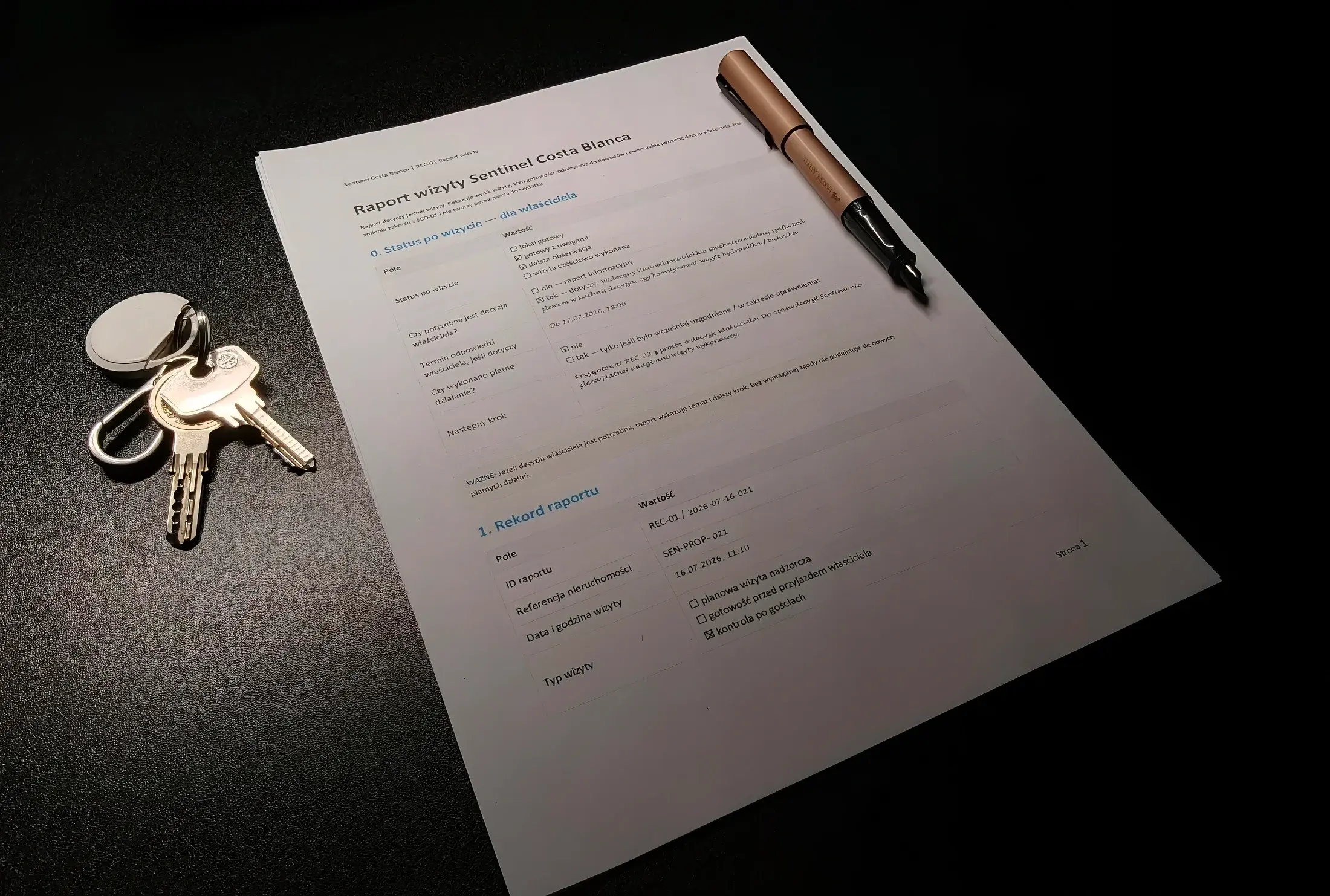
Example paper Sentinel visit report on a dark desk, with keys and a pen beside it.

Example document — not a client report.

  1. Observation

    The visible point is recorded in the visit report.

  2. Evidence

    Notes, photos, and visit context.

  3. Next step

    Monitor, decide, or act within the agreed limit.

When Sentinel acts, and when the owner decides

The decision threshold is the point when Sentinel needs the owner's decision. Every observation falls into one of three cases.

  1. Operational record only

    Observation without action

    Sentinel documents the point and compares it at the next visit. Nothing is triggered.

  2. Owner decision

    Cost or scope needs approval

    When a matter exceeds the agreed scope or limit, the decision returns to the owner with a recommendation.

  3. Protective action

    Only within authority

    Only where the package and agreed limit allow it — to limit immediate damage.

Package authority rules, and when owner approval is required, are described on the Services page.

See package authority rules

After activation, the rhythm is steady: visit, visit report, decision, operational record.

  • Visits

    The schedule and additional entries operate inside the package.

  • Visit reports

    Each relevant visit produces a visit report; events and decisions stay in the operational record.

  • Access

    Third-party entries are coordinated only inside the agreed scope.

  • Changes

    Extensions, temporary needs, and termination require documented agreement.

Start property qualification

In the form, provide the property location, property use, expected package, and availability for the initial inspection.

Sentinel responds within 24–48h to confirm geographic eligibility, required data, and the next onboarding step.